1. Select Add Section on the Define Templates page (Figure 1).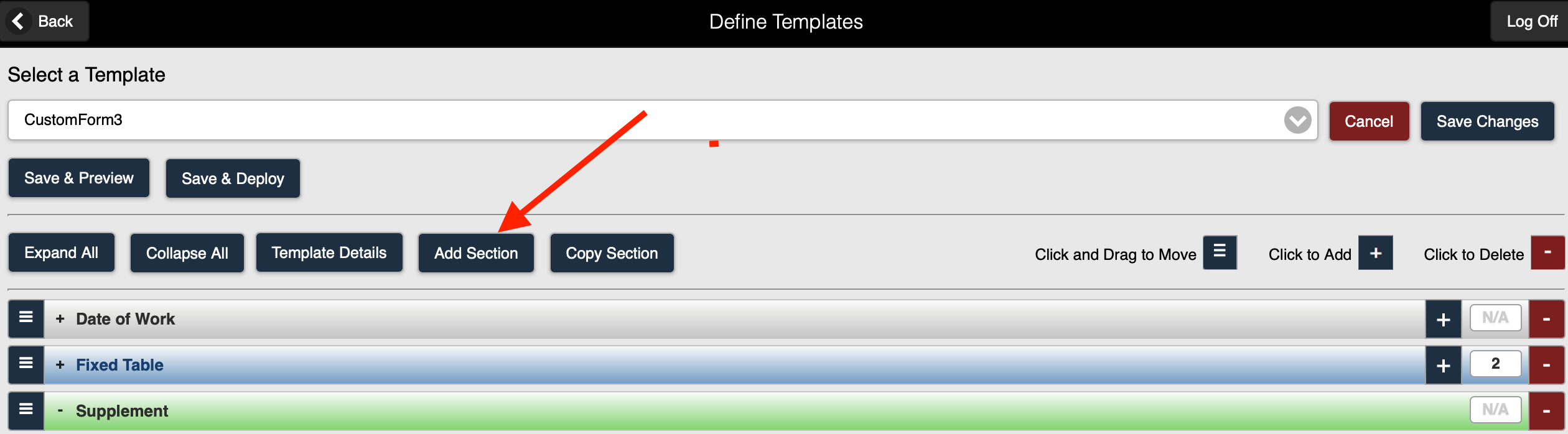 Figure 1
2. The Add Section page is displayed (Figure 2).
 Figure 2
3. Select Pump Curve from the Section Type drop-down selection list (Figure 3).

Figure 3
4. The Pump Curve Add Section page is displayed (Figure 4).

Figure 4
5. You can now Add fields to the Pump Curve Section on your form.
Refer to Example - Pump Curve for additional details.
Using the Custom Forms feature, you can also add the following section types to a form: