Adding Deficiency Attachments with Captions to a Form
1. Locate the Attachments section located at the bottom of the Form (Figure 1).
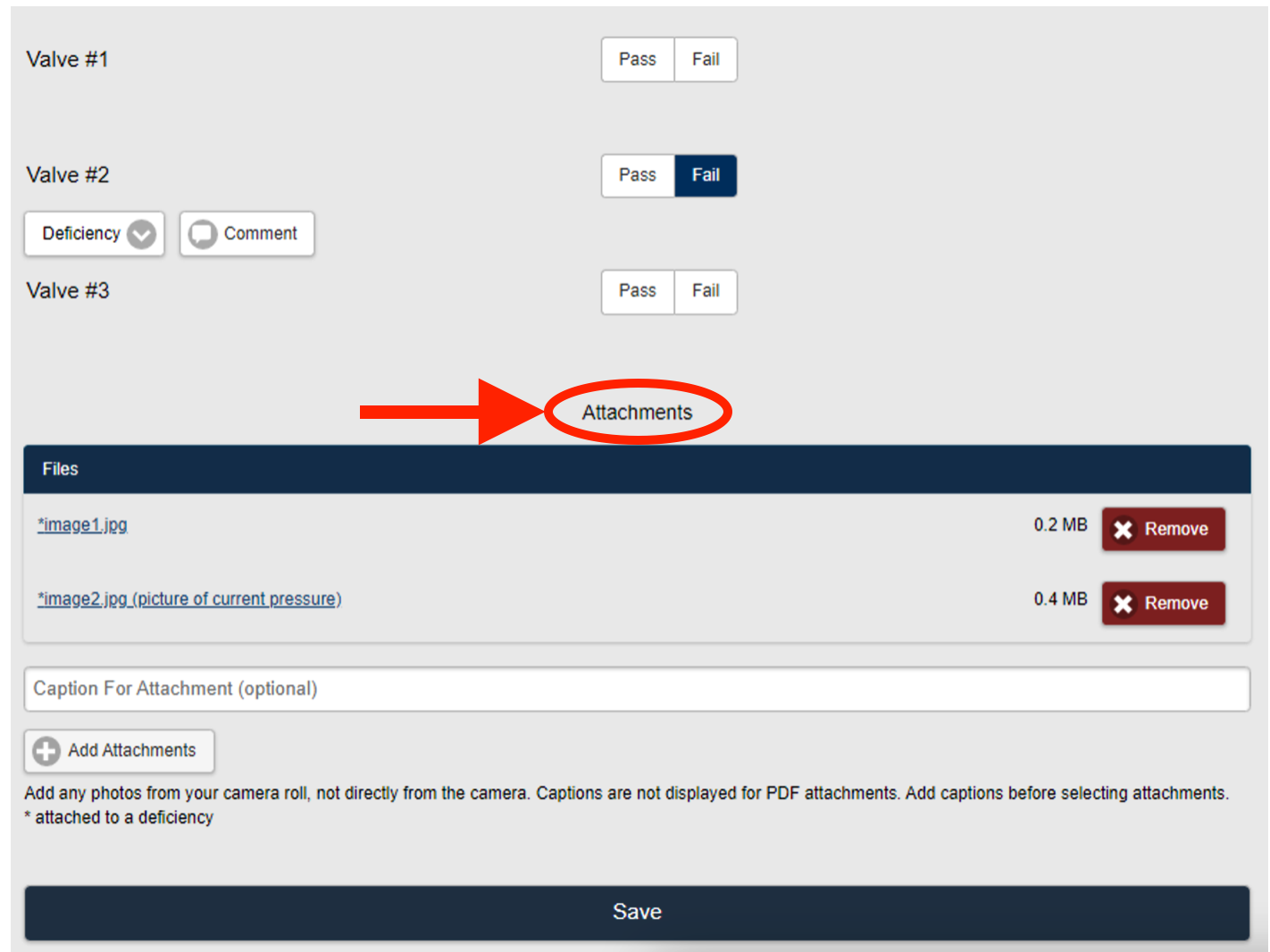 Figure 1
2. Enter a Caption for the file to be uploaded (Figure 2).
Note: You MUST enter the Caption before uploading the image file to be associated with the image.
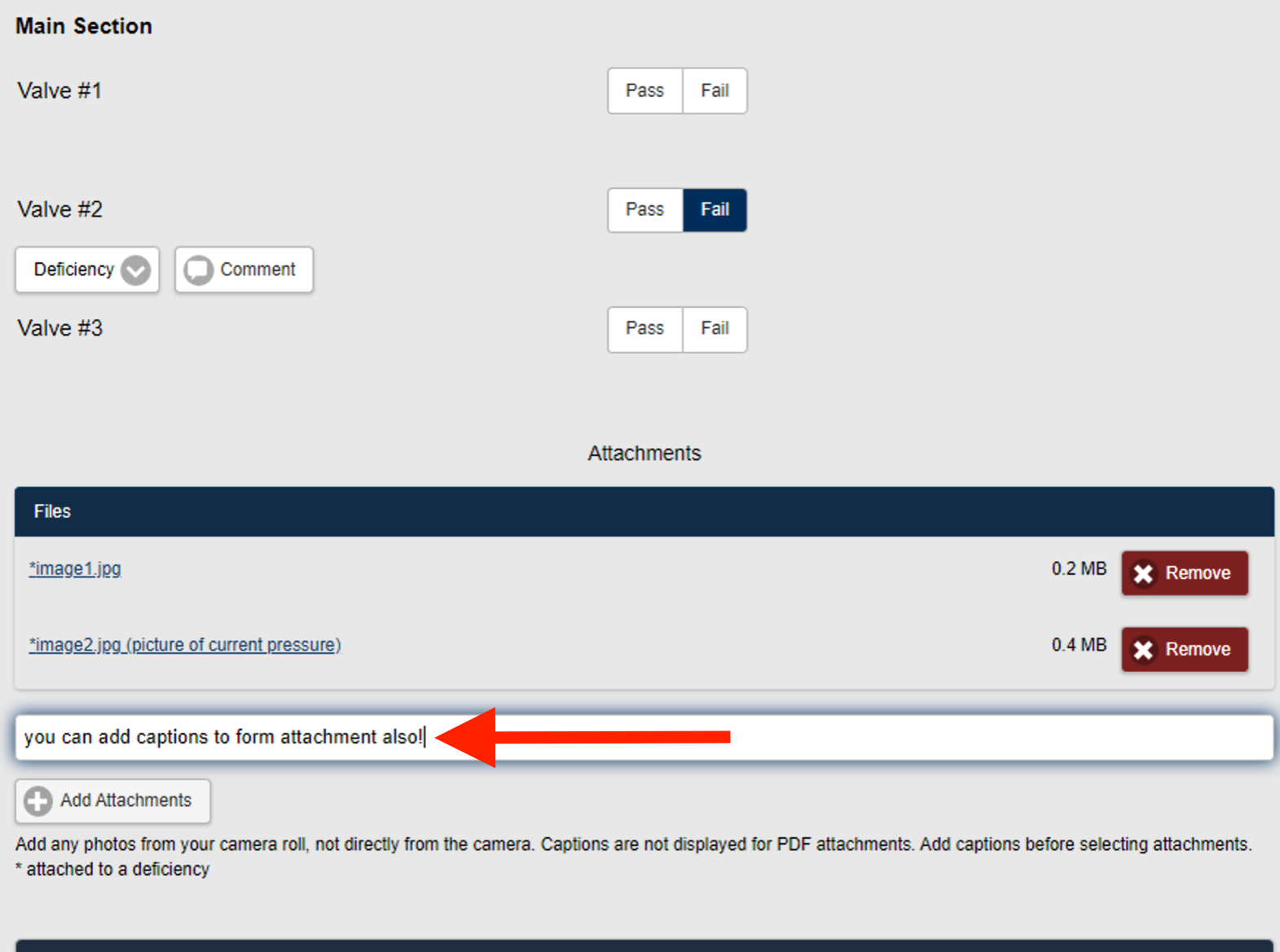 Figure 2
3. Select Add Attachments (Figure 2).
4. Select an image file to upload (Figure 3).

Figure 3
5. The image is uploaded and is displayed in the Files section of the page (Figure 4).
Note: The image file now includes the caption in the file name indicating the comments are at the form level.

Figure 4
6. Save the changes.