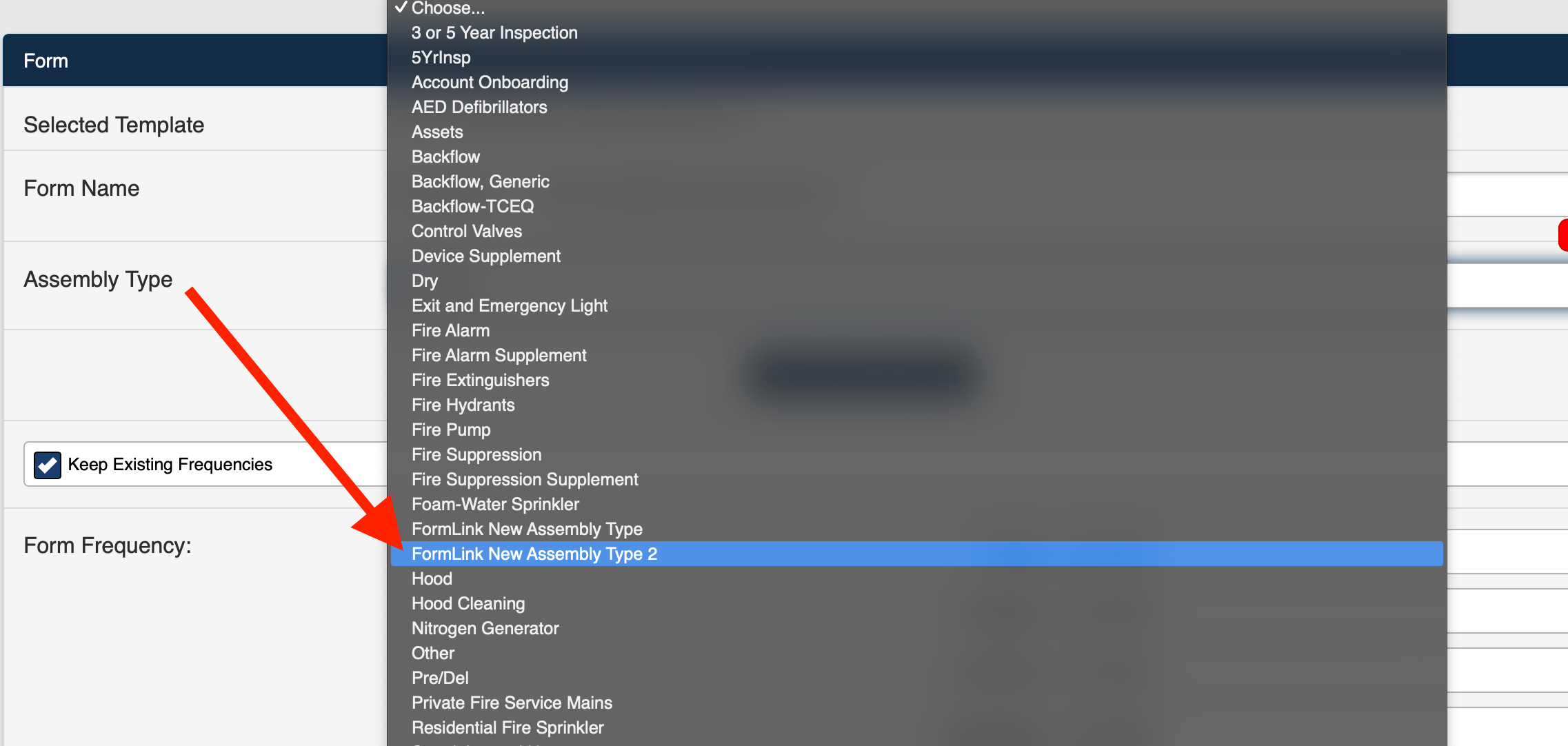
1. Select Add a New Assembly Type from the Assembly type drop-down selection list (Figure 1).
.png)
Figure 1
2. The Form page is displayed (Figure 2).
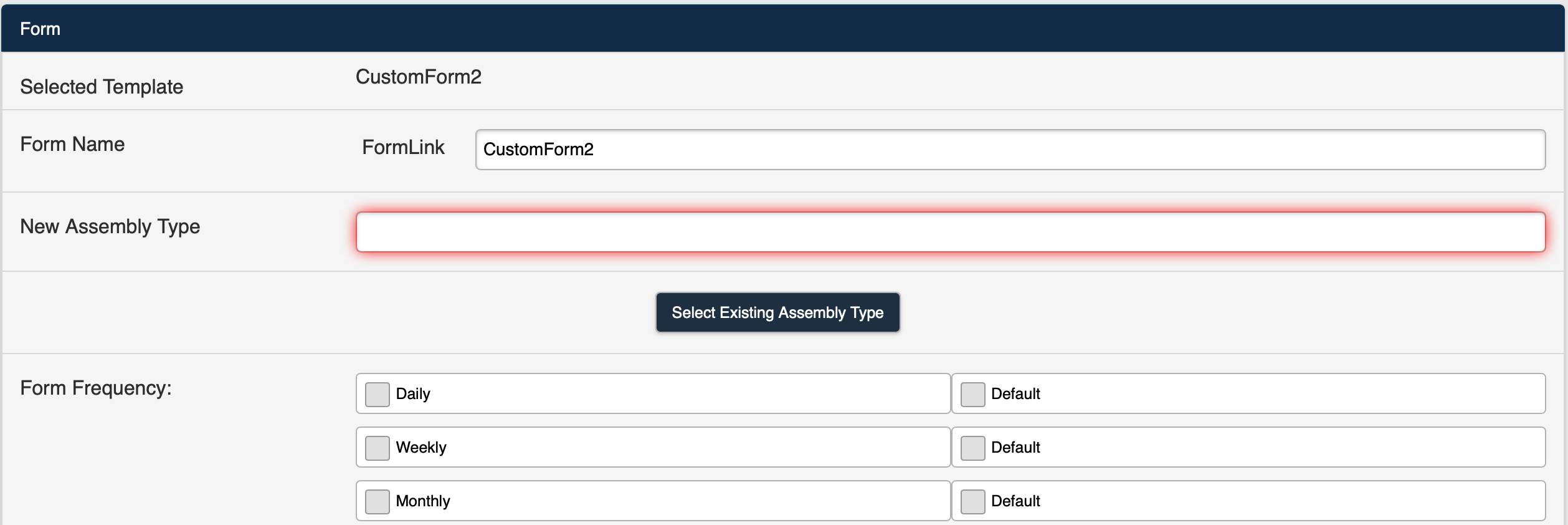
Figure 2
3. Enter a name in the New Assembly Type field (Figure 3).
Note: The Assembly Type name must be unique. If the name entered is not unique, an error message will be displayed.
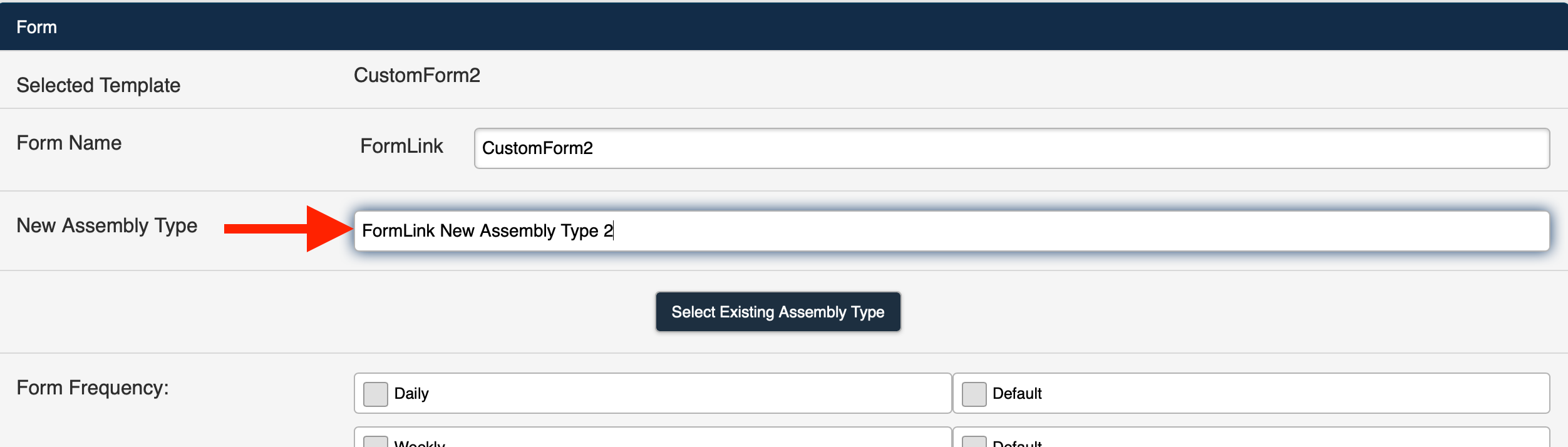
Figure 3
4. You can select the desired Form Frequencies and Default Frequencies at this time as described in the Setting Default Frequencies section of this article.
Note: It is not required that you add Form Frequencies to create the new Assembly Type.
5. Deploy the Form.
6. The new Assembly Type will be displayed in the Assembly Type drop-down selection list the next time the Form page is accessed (Figure 4).