Complete the following steps from your admin home page to include Inspector Signatures in a report configuration.
1. Access the Define Configurations page for your report, as described in the Define Custom Report Configuration article.
2. Select the Edit button (Figure 1).
.png) Figure 1
Figure 1
3. Select the Configuration Details button (Figure 2).
.png) Figure 2
Figure 24. From the Edit Configuration page (Figure 3), select the Include Inspector Signatures with Sections checkbox if you want to include the signature of the inspector(s) to appear in each section in the report configuration.
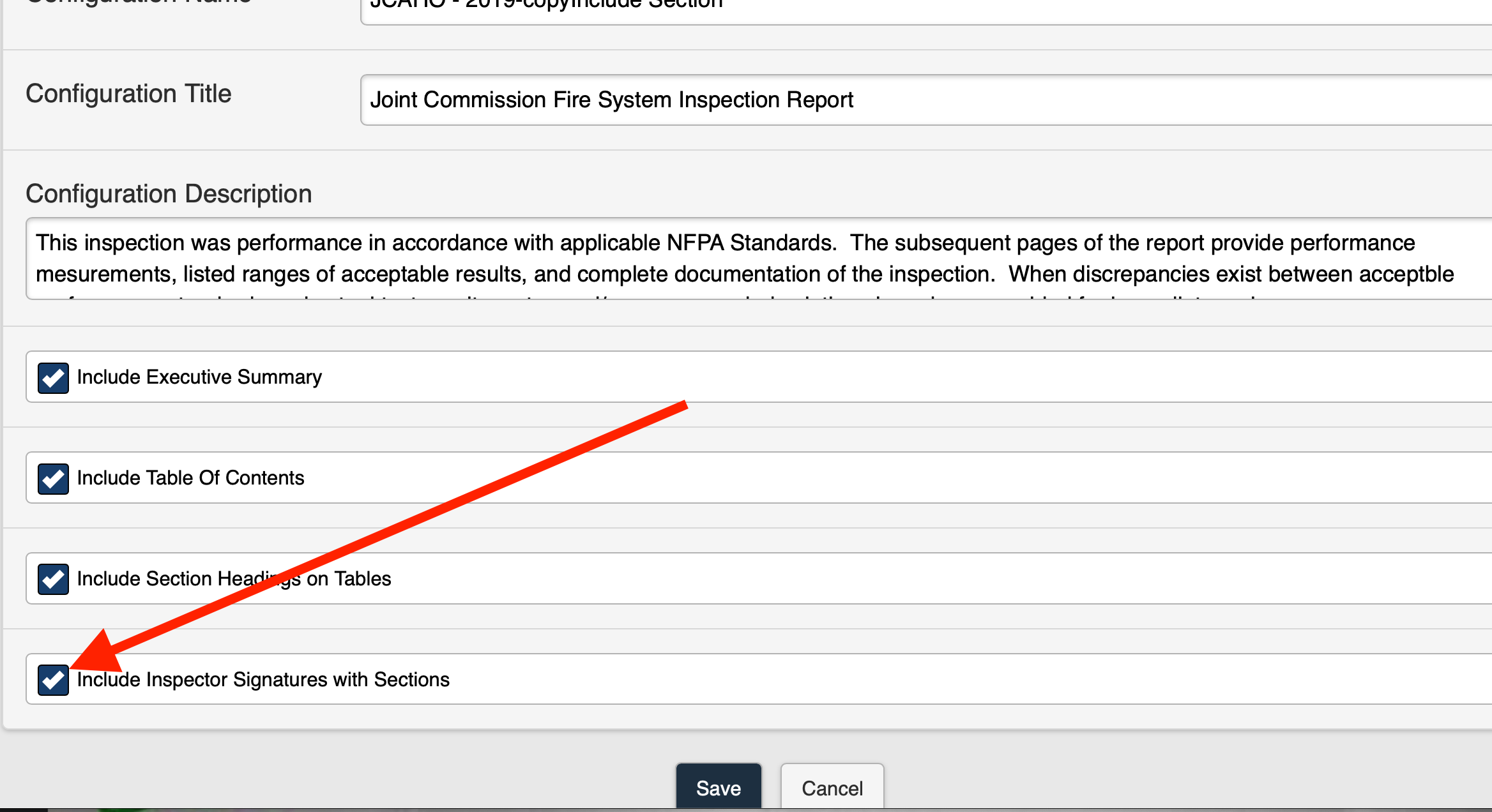
Figure 3
Include a Cover Page in a report configuration