How to use Report History
This section is intended to show you how to access the report History feature in FormLink. Using report History, you can:
- Access existing reports
- Reopen reports
- Update reports
- Delete reports
- View previous reports
Reports History Page
1. Select Locations from your home page (Figure 1).
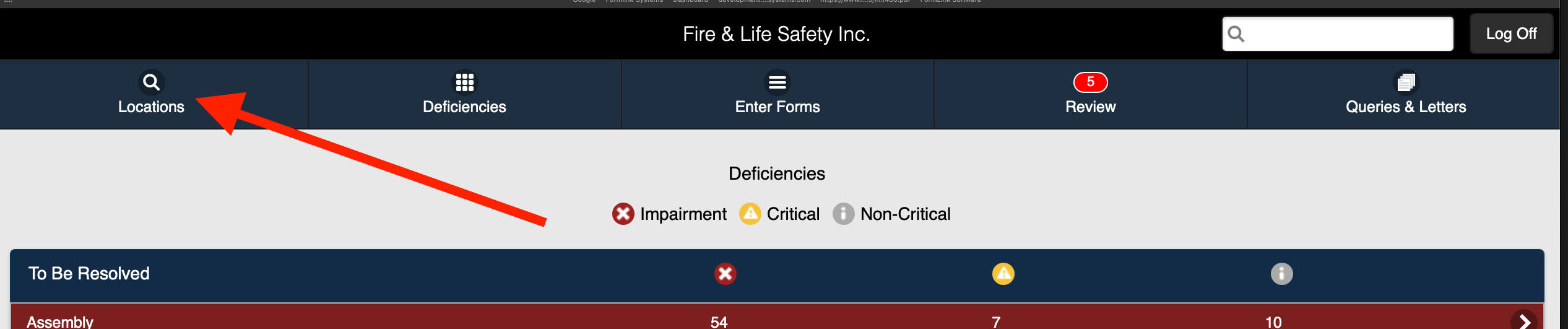 Figure 1
2. Access the desired location from the Locations page (Figure 2).
.png) Figure 2
Figure 2
3. Select History (Figure 3)..png) Figure 3
Figure 3
4. The History page is displayed (Figure 4)..png) Figure 4
Figure 4
Using the options on the History page, you can access report history for the following report types: