Add the Pump Curve Section
1. Select the form.
2. Select Add Section.
3. Enter the Heading name (Pump Results).
4. Select Pump Curve from the Section Type drop-down list.
5. Select Use Client Calculated Test Results.
Preview the Pump Curve Section on Your Custom Form
1. Select Save and Preview on the Define Templates page.
2. The new Pump Curve section is now displayed (Figure 1).
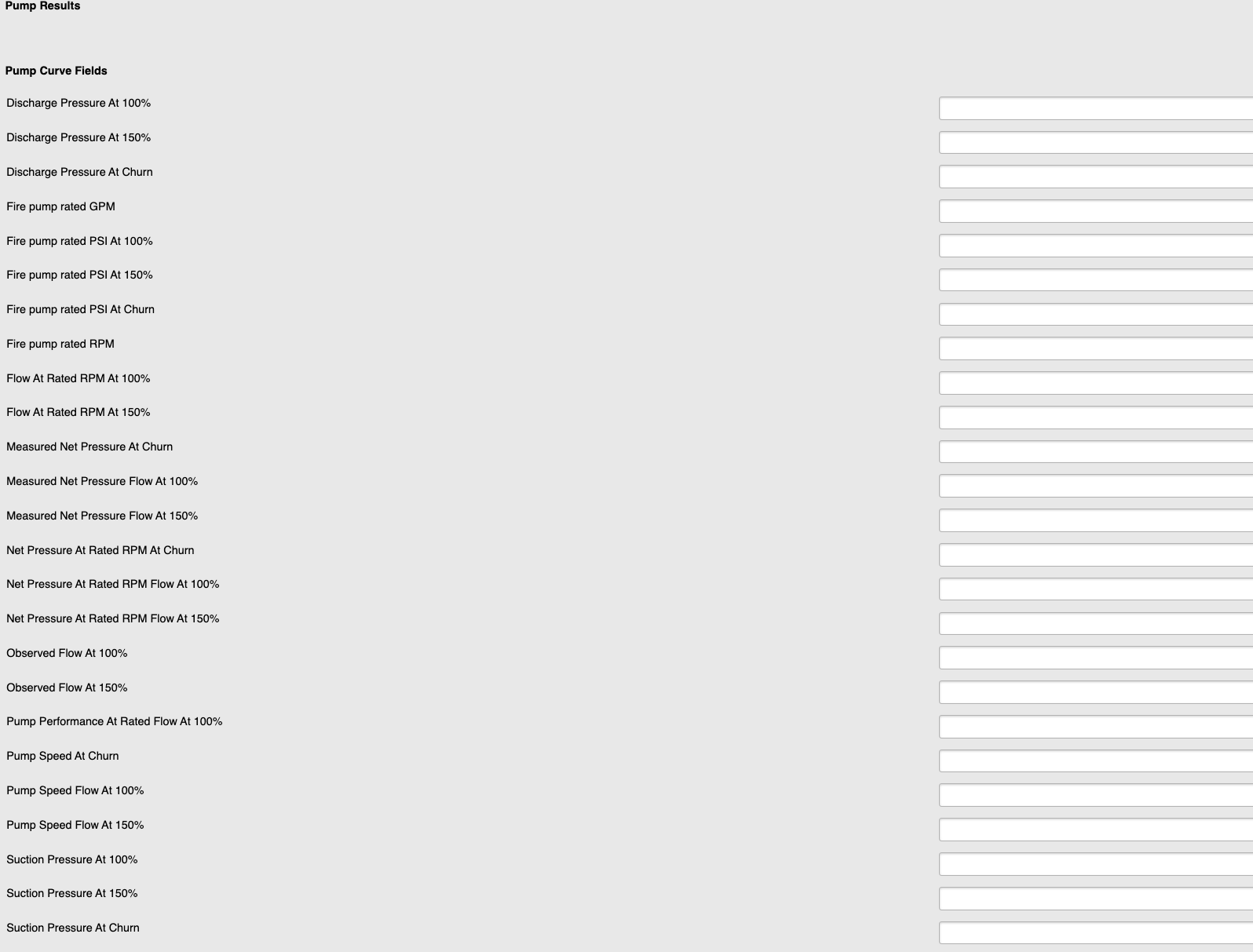
Figure 1
Refer to Add a Pump Curve and Add Fields to a Pump Curve for additional details.